Small business automation that helps you follow up without chasing everything manually.
Ell Vii's Automations helps small businesses reduce repetitive tasks with lead follow-up, CRM workflows, appointment reminders, review requests, routing, and simple systems that keep customers moving.
Updated August 23, 2026
View Automation Options Explore Phoenix AI Automation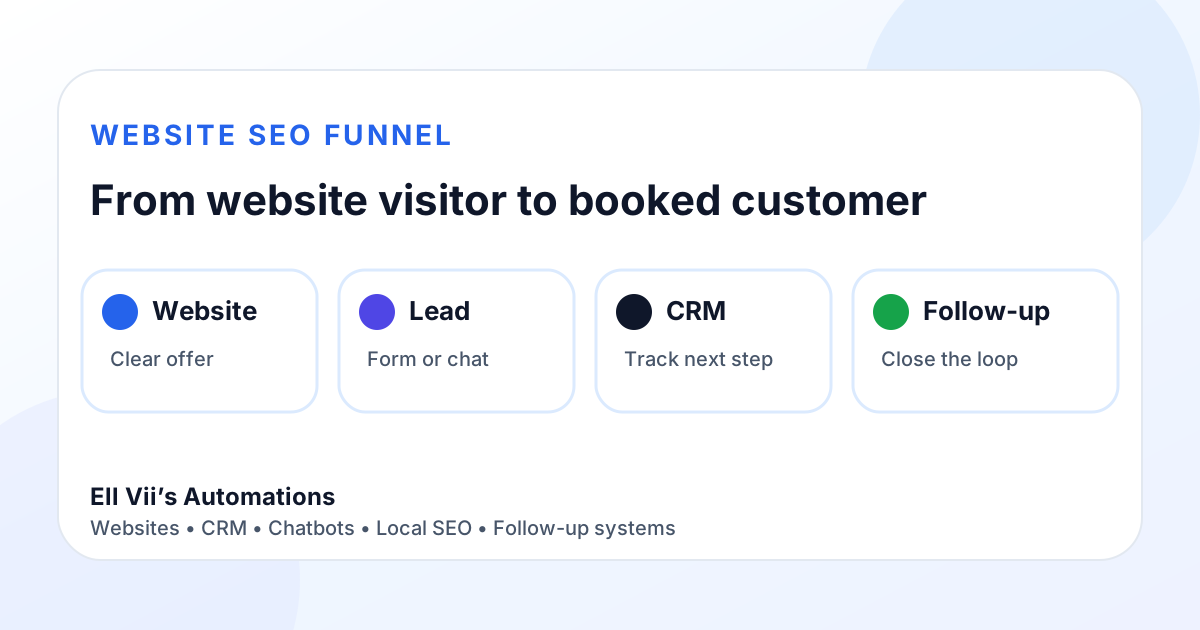
The best automation is not fancy. It is dependable.
Small businesses do not need a complicated system that nobody uses. They need repeatable steps that protect leads, remind the owner what is due, and keep customer communication moving.
Lead Follow-Up
Send new inquiries into a repeatable follow-up process so opportunities do not sit untouched.
Review Requests
Ask happy customers for reviews at the right time with a clear, policy-compliant request.
CRM Workflows
Move leads through stages, reminders, tasks, assignments, and customer updates with better visibility.
Automation examples
- Website form to CRM
- Website Assistant lead to follow-up pipeline
- Appointment reminder workflow
- Missed-lead follow-up reminder
- Service completed to review request
- Quote request to owner notification
- Lead-source tagging and routing
Build order
- Clarify the service and CTA.
- Capture the lead cleanly.
- Send the lead to one accountable place.
- Create the next follow-up step.
- Measure whether the step actually happened.
- Automate the repeatable pieces.
Automation and AI are related, but they are not the same thing.
Automation is best for known rules: when this happens, do that. AI is useful when the system needs to interpret language, summarize information, classify a request, find an approved answer, or help prepare a draft.
Production maturity means not forcing AI into steps that are more reliable as ordinary automation. It also means keeping human control over unusual requests, sensitive issues, pricing exceptions, commitments, and decisions that require judgment.
Automation questions
What should I automate first? Start with the tasks that directly affect money and customer trust: lead capture, follow-up, routing, reminders, and review requests.
Can automation replace my customer service? No. Good automation supports the owner and team by handling repeatable steps while people still handle judgment, trust, and relationship-building.
Does automation need CRM? Not always, but automation becomes more useful when it can feed a CRM, update lead status, preserve context, and trigger next steps.
Do I need AI for every workflow? No. Use normal automation whenever the rule is clear. Add AI only when interpretation meaningfully improves the workflow.
Ready to remove repetitive follow-up stress?
Start with the lead path, then automate only the steps that actually protect revenue and customer experience.
View Automation Options