CRM for Phoenix small businesses that are tired of losing leads.
Ell Vii's Automations helps local businesses organize leads, track customers, and follow up faster so opportunities do not disappear in texts, inboxes, notebooks, social media messages, or missed calls.
Updated June 24, 2026
View CRM Options Read the CRM guide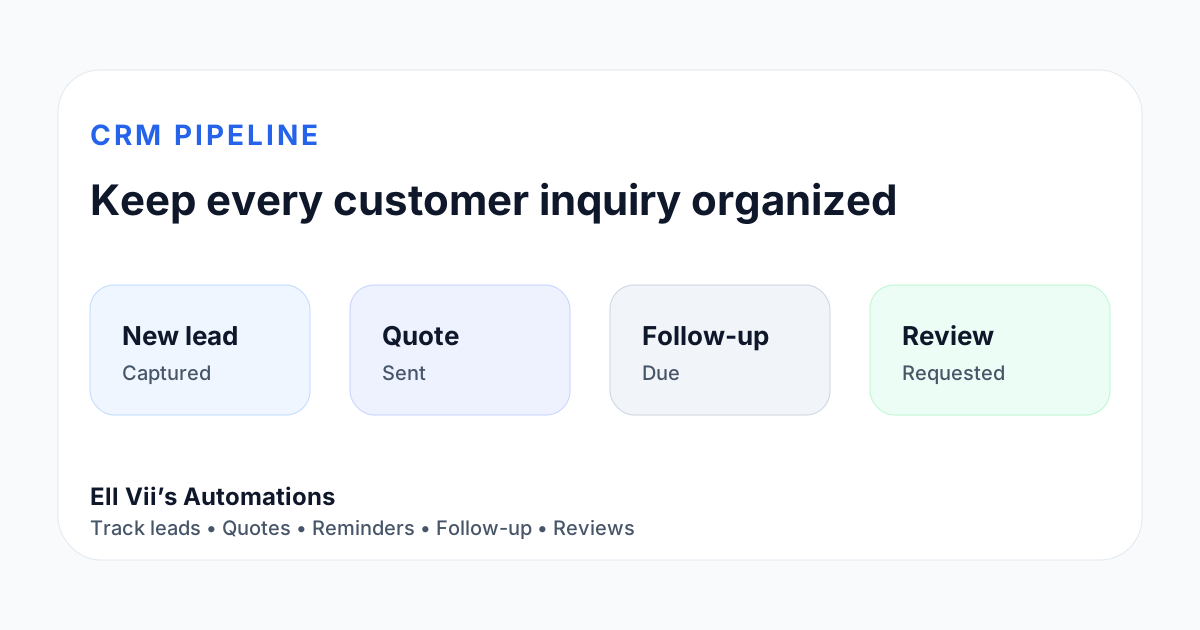
Why CRM matters for a local business
Most owners do not lose leads because they do not care. They lose leads because everything is spread out. A customer texts, another sends a Facebook message, someone fills out a form, and another person calls while the owner is busy.
A simple CRM creates one place to see who reached out, what they need, what stage they are in, and when the next follow-up should happen.
Track Leads
Keep new inquiries, quote requests, consultations, and prospects in one simple pipeline.
Follow Up
Create reminders and automated touchpoints so interested customers are not forgotten.
Stay Organized
Manage customer details, appointment notes, service history, files, and next steps from one place.
CRM features
- Lead pipeline and customer stages
- Contact forms and intake organization
- Appointment and consultation workflows
- Customer follow-up reminders
- Optional chatbot and website integration
- Optional calendar connection and automation support
Best fit industries
Beauty professionals, contractors, caterers, photographers, consultants, home services, churches, local service businesses, and owners who need a practical follow-up process instead of scattered messages.
How CRM works with your website
- A visitor finds your site through Google, social media, referral, or direct search.
- They call, submit a form, ask the chatbot, or request a quote.
- The lead gets captured with service details and contact information.
- The owner sees the next step: call back, quote, schedule, follow up, or close out.
- After the job is complete, the business can send a review request and keep the customer organized for future work.
CRM questions
What is a CRM? A CRM is a customer relationship management system. It helps you track leads, customers, conversations, appointments, and follow-up tasks.
When should I add CRM? Add CRM when leads are coming in from your website, Google, social media, referrals, or ads and you need a better way to manage them.
Do I own my data? Yes. You own your contacts, customer data, uploaded materials, and business content. Ell Vii's proprietary systems remain Ell Vii's unless a separate buyout is agreed in writing.
Can I export my contacts? Yes. Customer and lead data should be portable so your business is not trapped.
Ready to stop guessing who needs a follow-up?
Start with the website and add CRM when your business is ready to protect leads.
See CRM pricing path